1. Click Start, click
Run, type wbemtest in the Open box, and then click OK.


3. In the box at the top
of the Connect dialog box, type root\cimv2, and then click Connect.

4. Click #Enum
Instances".
5. In the Class Info
dialog box, type Win32_OperatingSystem in the Enter superclass name box, and then
click OK.
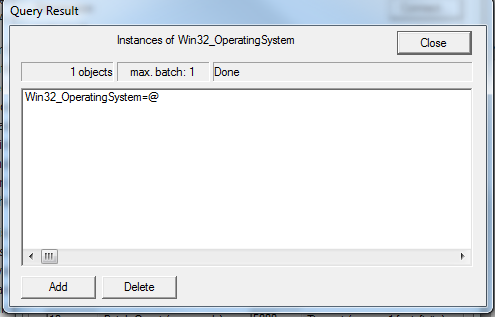
6. In the Query Result dialog box, double-click the top item. Note this item starts with "Win32_OperatingSystem.Name=Microsoft..."
6. In the Query Result dialog box, double-click the top item. Note this item starts with "Win32_OperatingSystem.Name=Microsoft..."
7. In the Object editor
dialog box, locate the PAEEnabled property in the Properties area and double-click on it.

8. In the Property
Editor dialog box, note the value in the Value box.


Comments
Post a Comment